How to Use
Poker Timer
Game Setup
01. Instant Start & Live Adjustments
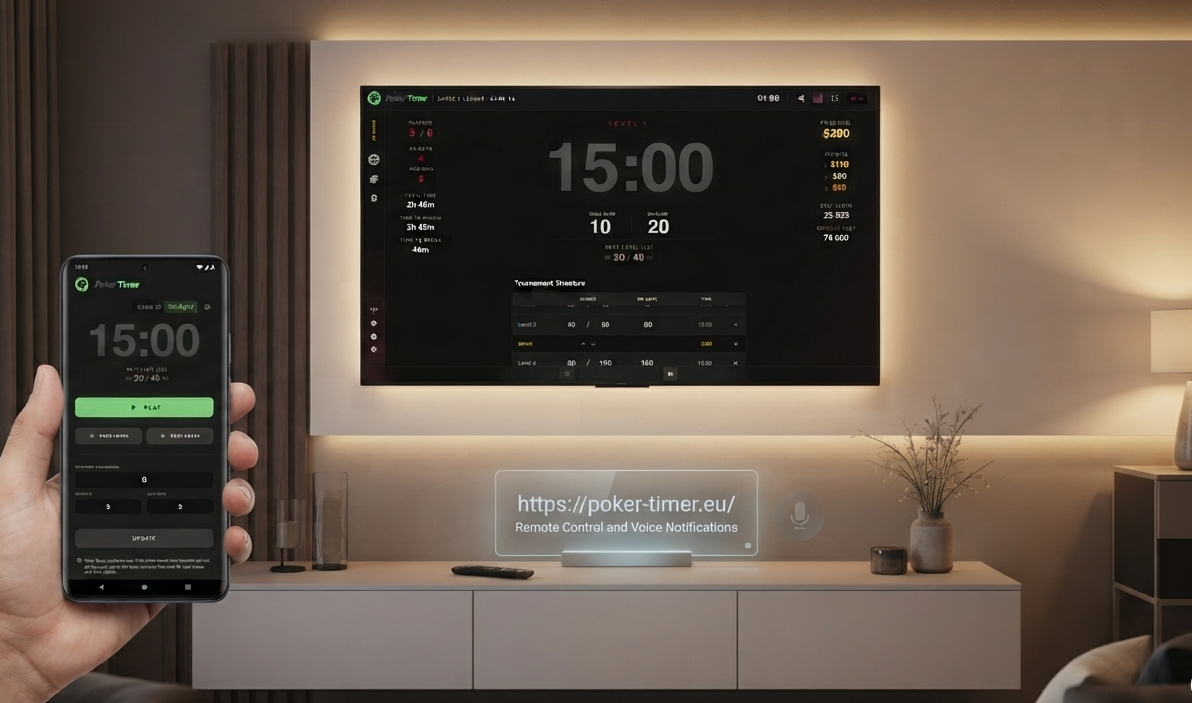
There is no mandatory multi-step pre-configuration required to begin. You can launch your tournament immediately and refine settings on the fly. Whether you need to add a player mid-game, adjust re-buys, or tweak the blind structure, our system processes updates in real-time without harming the active timer or tournament state.
02. Setup the Game
Head to the Tournament Settings side panel to configure:
- Player Counts: Track the total number of buy-ins, starting players, and players remaining.
- Buy-ins & Rebuys: Set the buy-in value, starting chips, and track total rebuys used.
- Add-ons: Define the add-on cost, add-on chip amounts, and track how many add-ons have been taken.
- Currency Symbol: Customize the currency display if the default CR token doesn't fit your needs.
Finally, easily toggle between Standard or Big Blind Ante depending on your tournament structure.
03. Prize Pool
Configure the Prize Distribution panel to automatically calculate and split the total prize pool among the winning places:
- Payout Ratio: Enter whole numbers separated by colons to define the split ratio for each winning spot (up to 4 payouts shown dynamically).
- Rounding Options: Use the dropdown menu to cleanly round out individual payouts (e.g., "to 10") for easier physical chip distribution at the table.
Examples:
- • 55:30:15 (Splits the pool across 1st, 2nd, and 3rd place)
- • 70:30 (Classic heads-up split for the top 2 players)
- • 50:25:15:10 (Deep payout structure rewarding the top 4 places)
The board instantly visualizes the exact chip or cash values awarded to each rank based on your settings.
03. Add or Generate Blinds
The Tournament Structure section gives you complete control over your blind schedule. You can completely customize the flow manually by inline editing blinds, antes, and level durations, inserting custom Breaks, or quickly reordering levels with easy-to-use up/down arrow controls.
Want to skip the manual math? Open the Generate Levels Wizard (via the Auto Levels menu) to instantly build a balanced structure. The simple generator handles the progression for you:
- Growth Mode: Toggle between Slow and Fast tracks to match your tournament's desired pace.
- Automated Milestones: Define exactly how many levels to generate, set an automatic Ante threshold, and schedule automated recurring Breaks (e.g., a 5-minute break every 3 levels).
- Visual Forecasting: Preview your structure's trajectory on a live Projected Blind Growth chart, tracking your projected Max Big Blind at a glance.
Whether you build it level-by-level or generate it with the wizard, clicking Clean Levels lets you wipe the slate clean to start fresh instantly.
04. Manage Chips
The Chips tab gives you full control over your tournament economy, seamlessly synchronizing
your physical equipment with the digital clock. Define the exact amount and
value for each denomination to automatically calculate starting stacks and total chips in play.
Personalize virtual chip colors to match your physical set for visual clarity at the
table, and
jumpstart your setup with professional presets (like WSOP) or save your own Custom
Preset for future sessions.
Reordering chips is as simple as dragging and dropping, making denomination management effortless.
05. Keyboard Shortcuts
Master the tournament flow with these quick keyboard shortcuts, allowing you to manage the game without taking your eyes off the action.